Tools · Workbench

Tools for thinking about sound.

I build software when a question is easier to understand by exploring it. Some tools are focused utilities. Others are more complete measurement and design environments. They are meant to be useful first — and to make the assumptions behind the result easier to see.

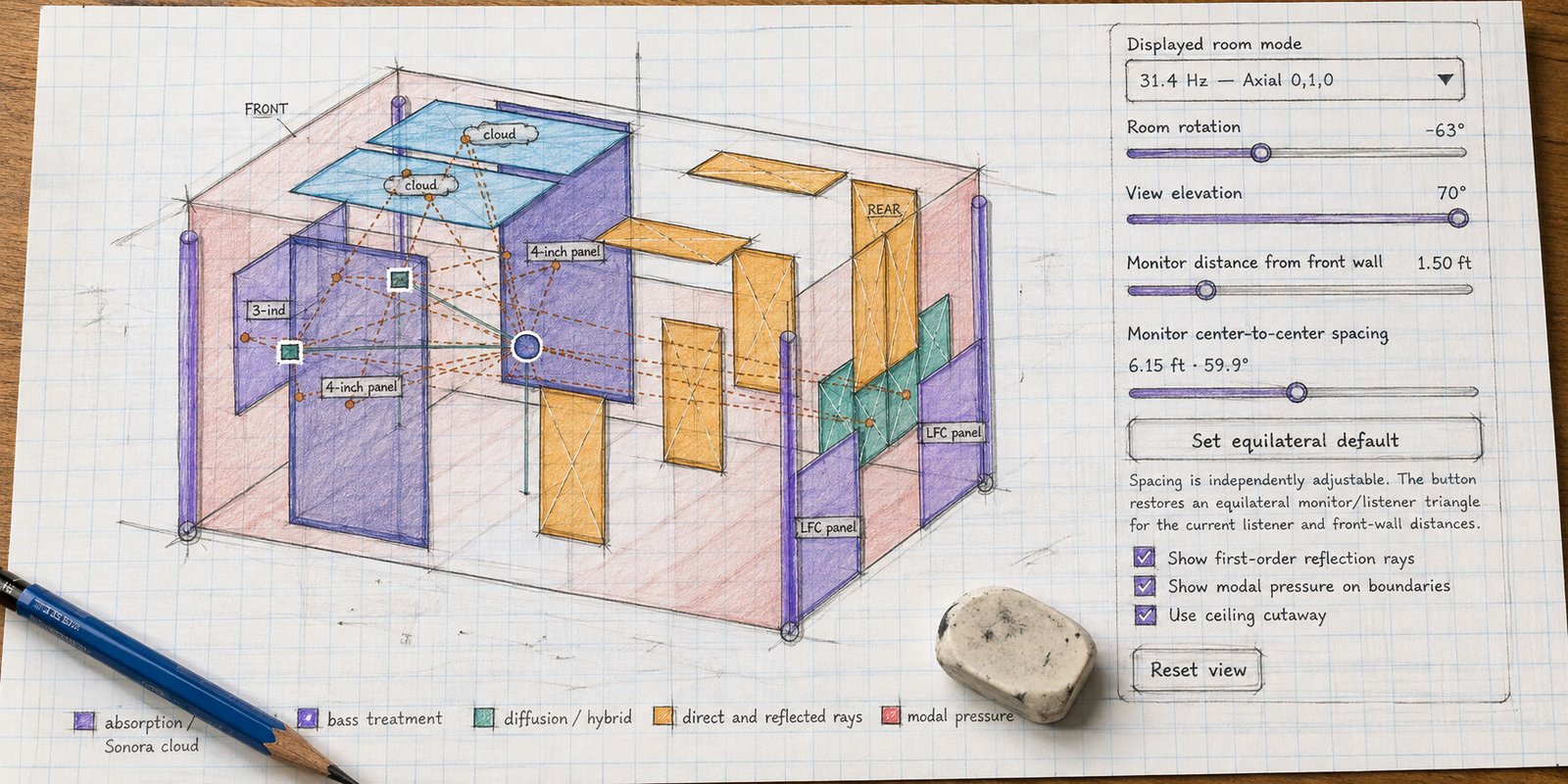
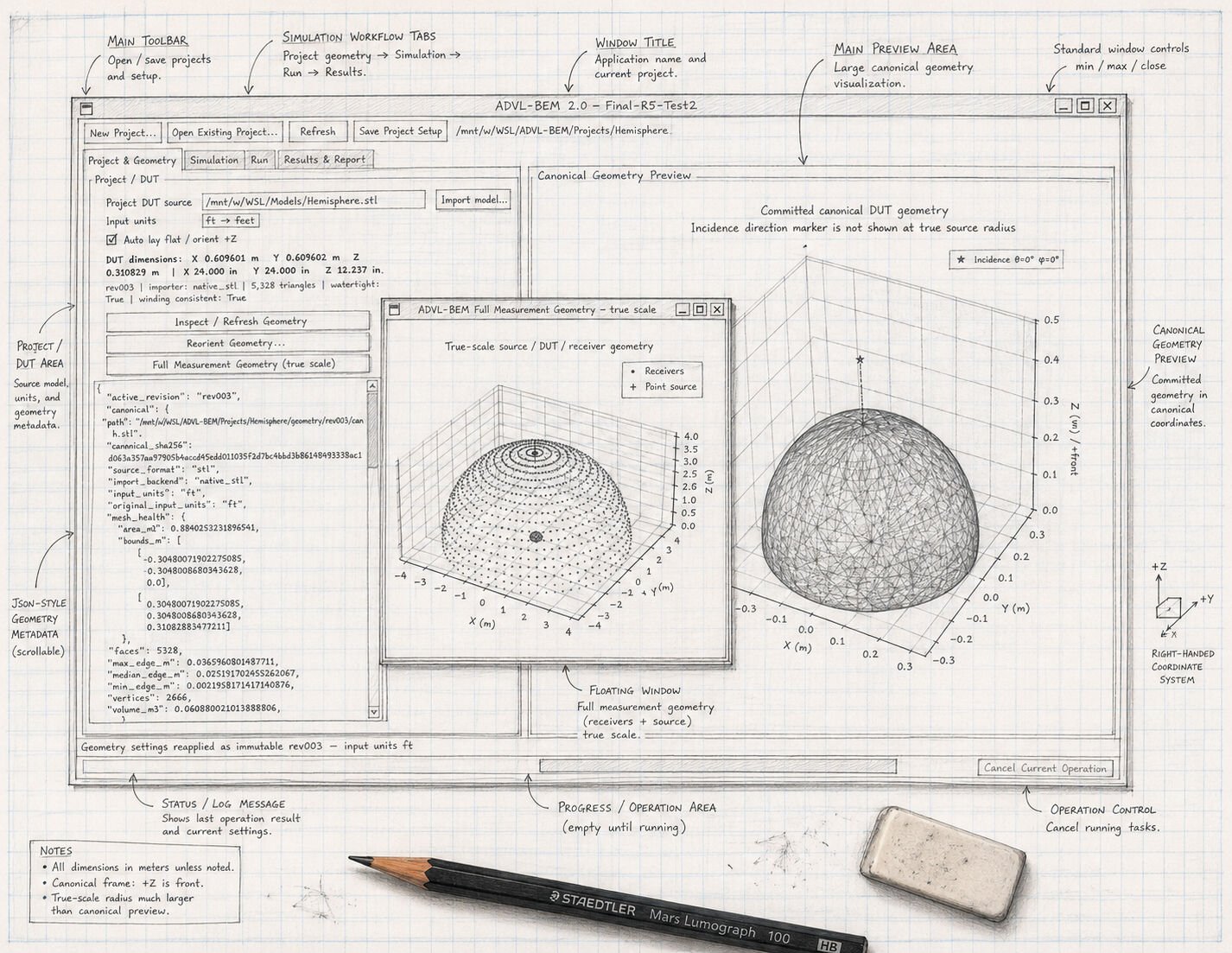
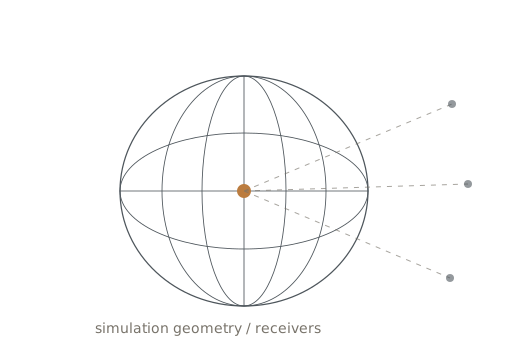
Hand-drawn ADVL-BEM application concept with simulation workflow, canonical geometry preview, and interface annotations
analysis software should explain the idea, not hide it.
Featured tools

Working applications for measurement and design.

Larger environments built around recurring acoustic questions and real workflows.

Workbench

Focused utilities for recurring questions.

Quick to use, explicit about the math, and designed to help explain the result rather than just return a number.

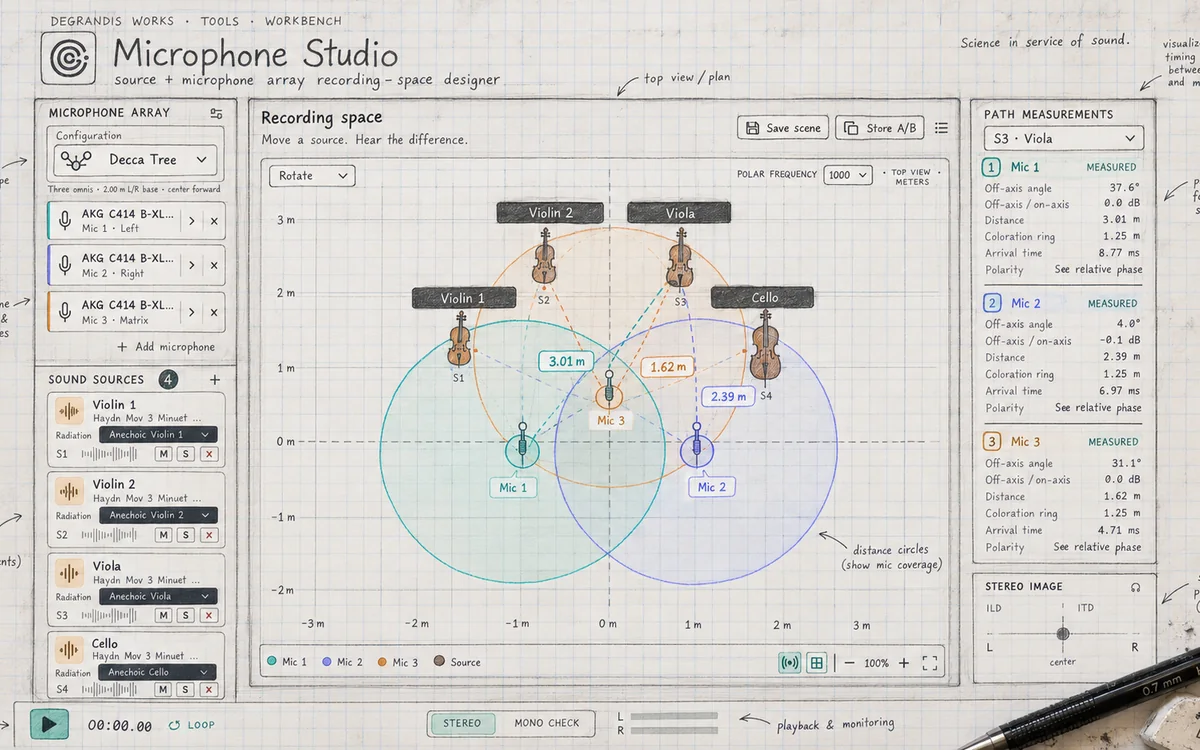
Microphone Studio recording-space designer showing a microphone array, musical sources, path measurements, and stereo geometry
Place · Compare · Listen
Available utility

Microphone Studio

Source and microphone-array recording-space designer for exploring placement before committing to a setup. Compare geometry, path length, off-axis angle, arrival time, relative phase, and stereo perspective in one visual workspace.

  • Microphone-array configuration and placement
  • Multiple musical sound sources and radiation context
  • Distance, off-axis, timing, and relative-phase measurements
  • Scene comparison with stereo and mono monitoring context
Launch current build
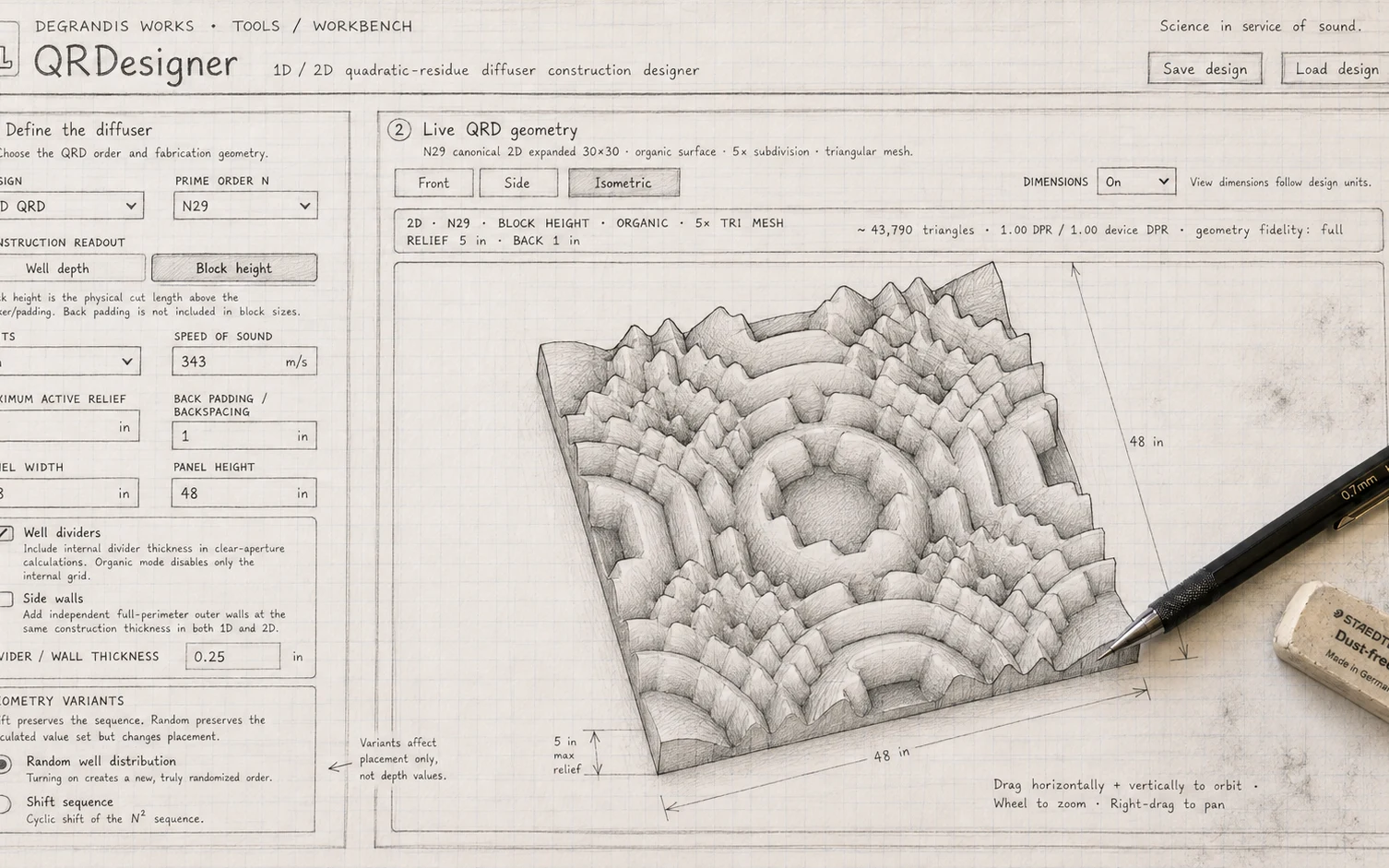
QRDesigner blueprint-style interface showing 1D and 2D quadratic-residue diffuser construction controls with live three-dimensional geometry
Design · Visualize · Build
Available utility

QRDesigner

1D / 2D quadratic-residue diffuser construction designer with fabrication controls and a live geometry preview that keeps the build dimensions visible.

  • 1D and 2D QRD geometry
  • Prime-order sequence selection
  • Fabrication dimensions, dividers, side walls, and units
  • Front, side, and isometric preview with save/load design
Launch current build
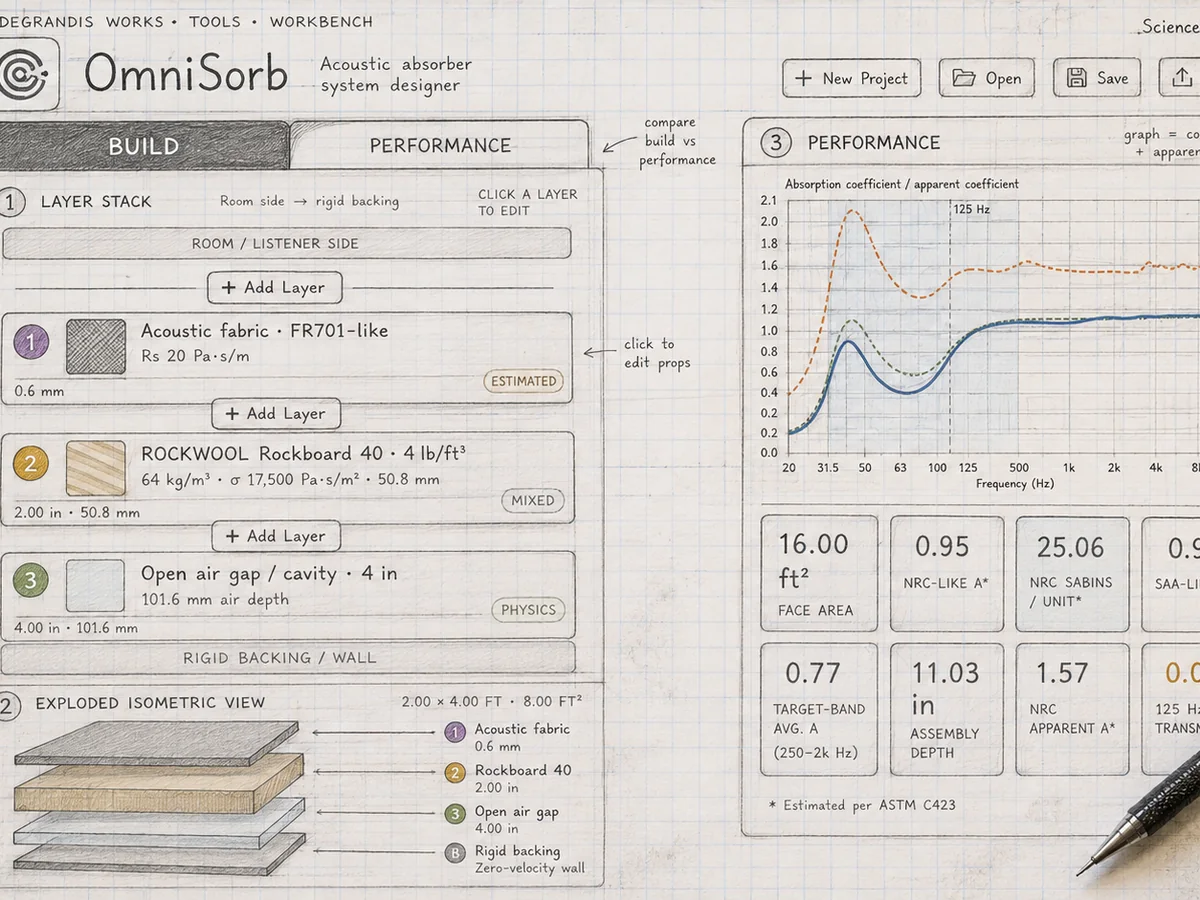
OmniSorb absorber-system designer showing a layered assembly, exploded construction view, absorption performance curves, and comparison metrics
Build · Compare · Evaluate
Available utility

OmniSorb

Acoustic absorber system designer for building and comparing layered assemblies. Explore materials, air gaps, construction depth, and frequency-dependent absorption behavior in one working model.

  • Layered absorber and backing assemblies
  • Editable air-gap and construction geometry
  • Frequency-dependent performance curves
  • Saved-design comparison and key performance metrics
Launch current build

Quick Tools

When the question earns a tool.
EQ Q tool logo
EQ Q ↔ Octave

Convert parametric-EQ Q to octave bandwidth and back, with optional cutoff frequencies.

BarrelCalc circular-arc geometry mark
BarrelCalc

Solve circular-arc barrel-diffuser geometry from common known dimensions for layout and fabrication.

WaveLength Utility logo with sinusoidal wave and wavelength dimension
WaveLength Utility

Calculate wavelength from frequency — and frequency from wavelength — as a quick acoustics reference.

Why I build tools

Not just another number.

The best tools make technical ideas easier to explore, understand, and apply.

A calculator can answer a defined question. A real room, product, or measurement problem usually contains assumptions the calculator cannot see. Good software should make those boundaries easier to recognize and help the user ask the next useful question.

Useful first. Clear about assumptions. Built from real practice.

Need a tool for a recurring question?

If the problem comes up often enough, it may be worth building the right instrument for it.

Contact

Let's talk about the project.

Tell me what you're working on, what matters about it, and where you are in the process. A short note is enough to start.

No mailing-list opt-in is implied by this form.